UPDATED PRACTICAL GUIDE
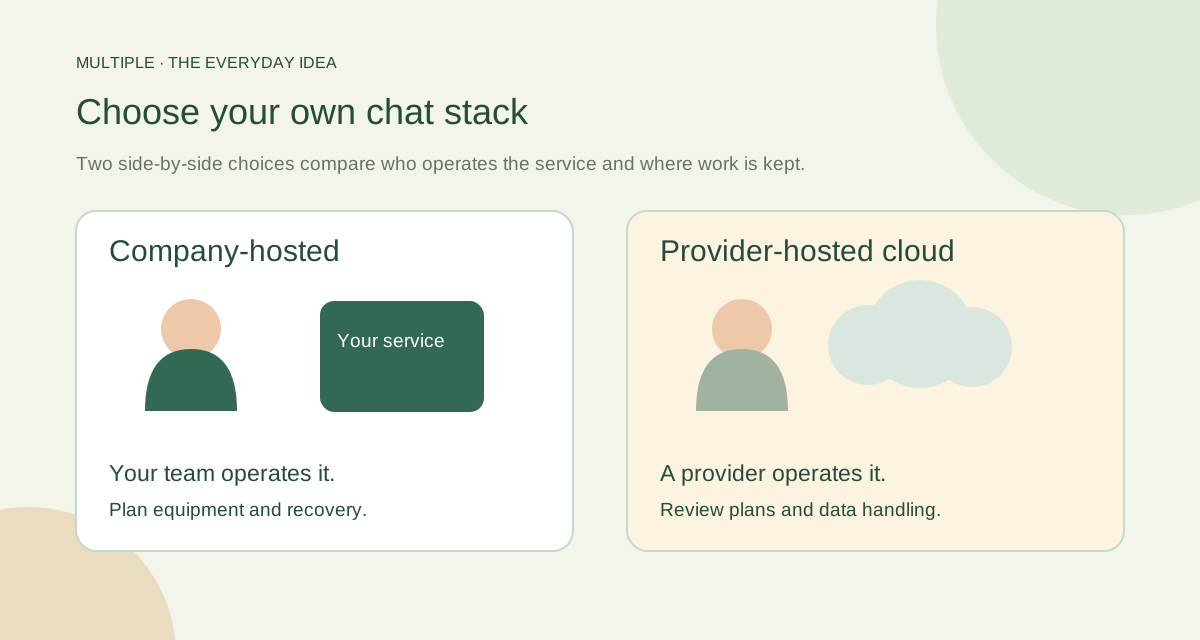
Compare company-hosted chat options, Windows fit, employee workflows and IT responsibilities. Use a practical shortlist and pilot scorecard before choosing.
Read the guide ↗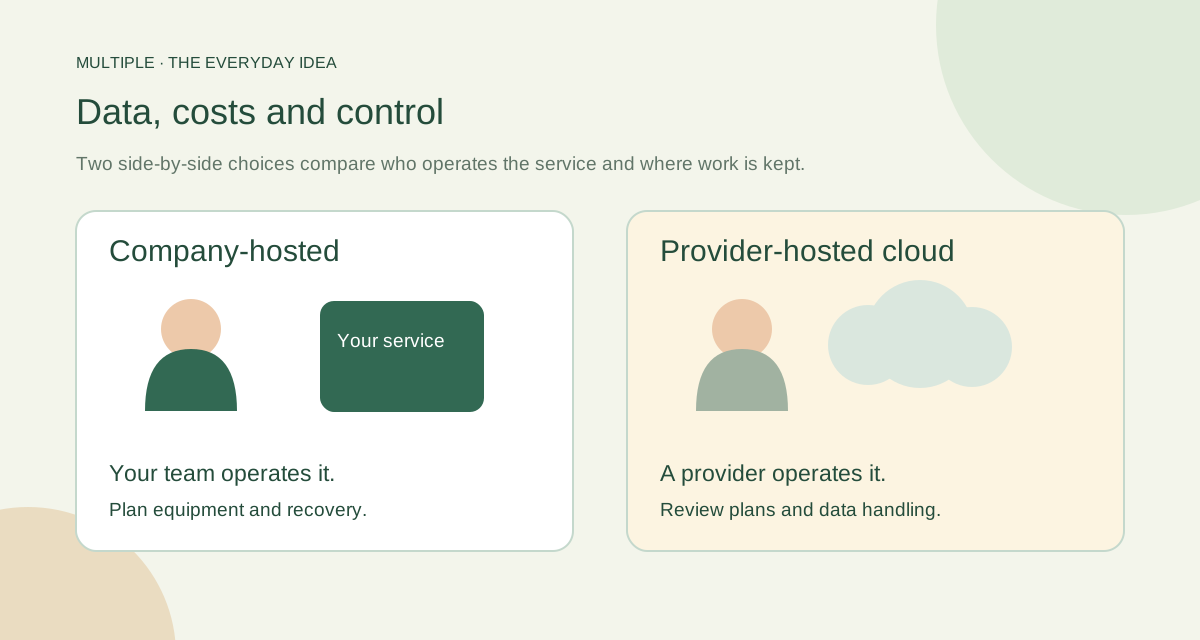
UPDATED PRACTICAL GUIDE
Compare company and cloud messaging through data location, access controls, connectivity and total operating cost, with an office decision worksheet.
Read the guide ↗CONNECTIVITY GUIDE
No internet should not have to mean no office conversation. A local company messenger can keep the work path inside your office after setup. The important word is local: employees still need the company network, server and services to be available.
Read the guide ↗IT PLANNING GUIDE
A smooth rollout starts before anyone clicks Install. You need a place for the server, a person who owns the setup and a small group willing to try real work. Use this checklist to turn “we should deploy it” into a clear next step.
Read the guide ↗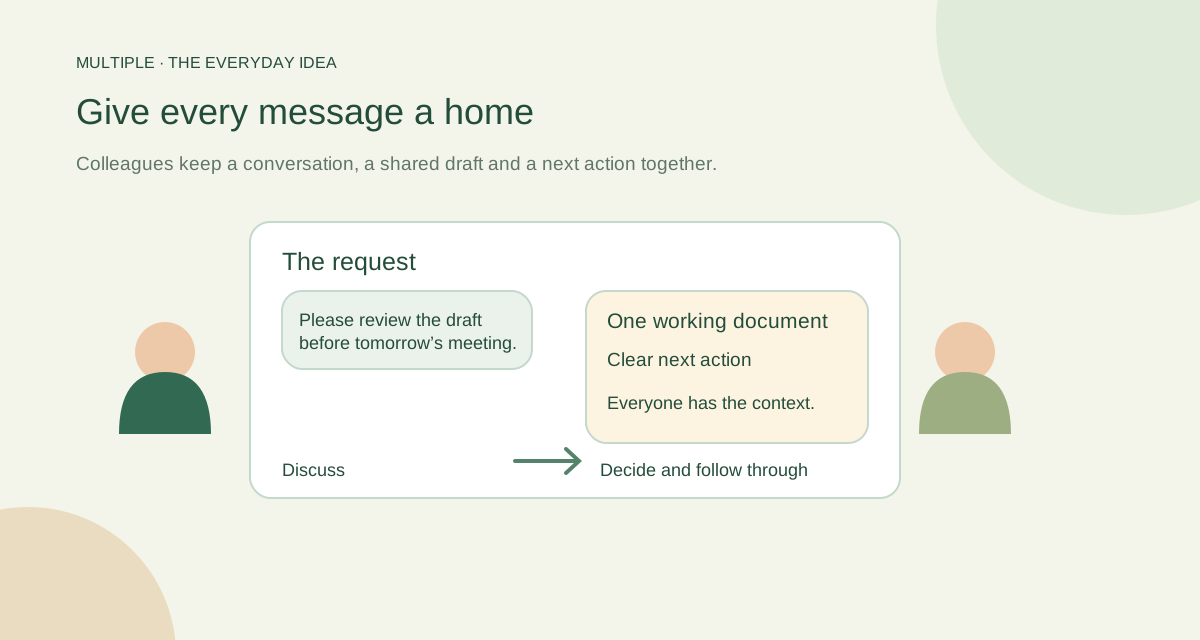
PRACTICAL WORKPLACE GUIDE
Choose internal communication tools for your office. Compare chat, email, calls and shared workspaces with practical examples and company-hosting questions.
Read the guide ↗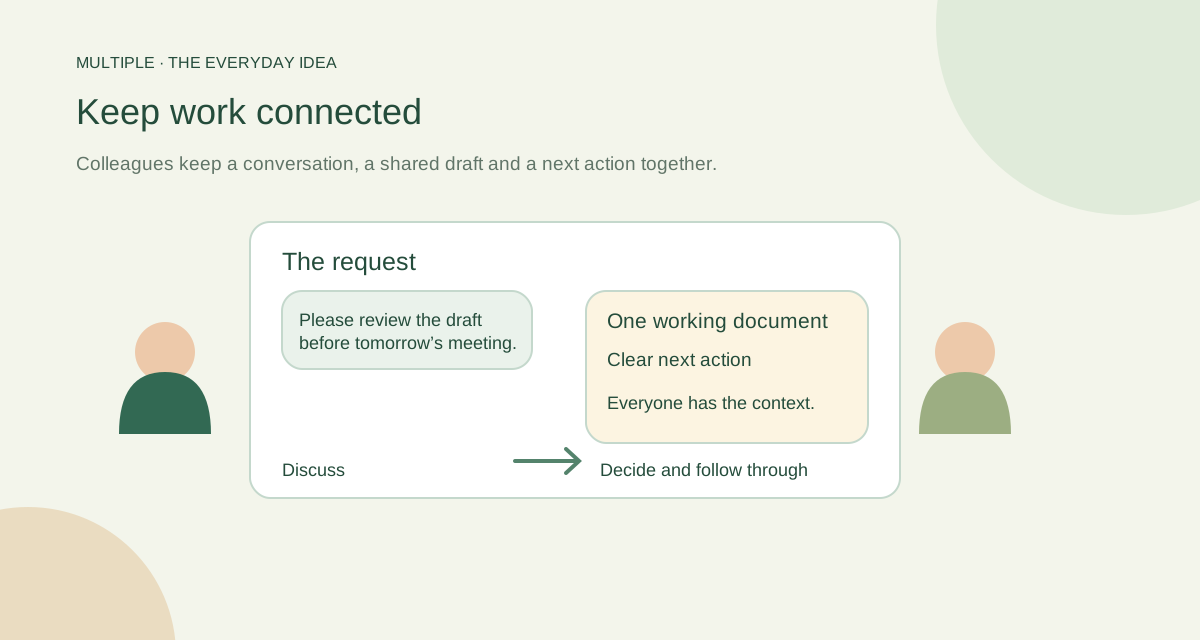
PRACTICAL WORKPLACE GUIDE
Follow an office workflow through company-hosted chat, shared files, linked discussions and personal tasks. Understand what a self-hosted workspace requires.
Read the guide ↗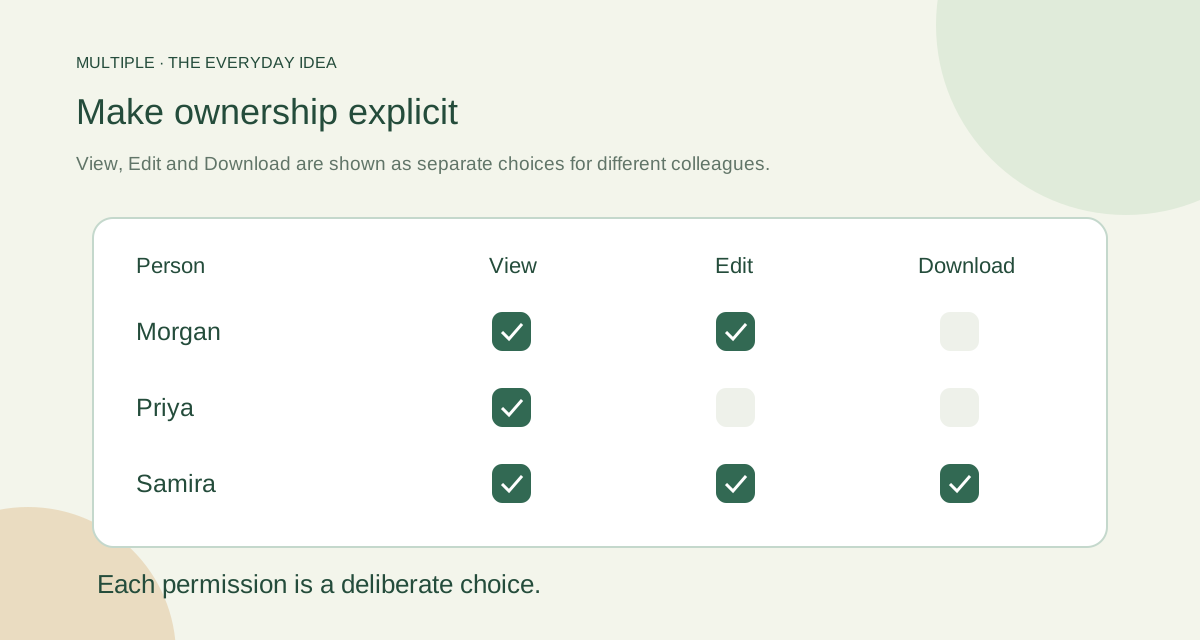
PRACTICAL WORKPLACE GUIDE
Compare company and personal messaging for internal work: account ownership, employee changes, storage, device fit and the responsibilities your IT team takes on.
Read the guide ↗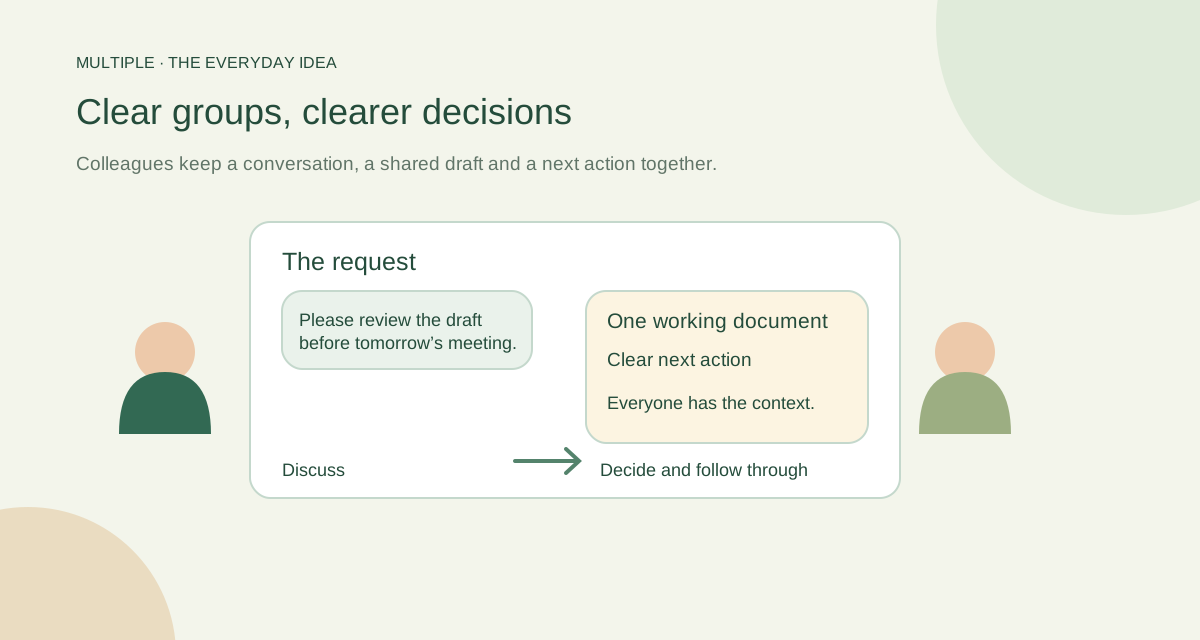
PRACTICAL WORKPLACE GUIDE
Build a clear office chat structure using department groups, broadcasts and linked threads. Includes naming examples, announcement templates and access checks.
Read the guide ↗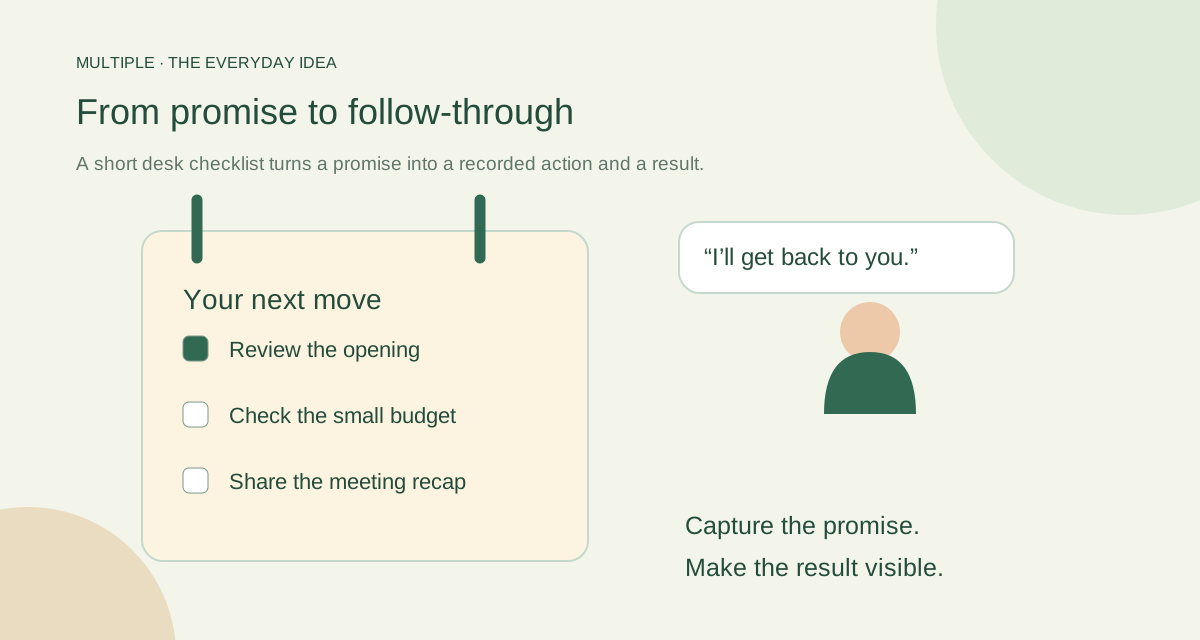
PRACTICAL WORKPLACE GUIDE
Keep office commitments beside your conversations using private tasks, due dates and one-time reminders. Follow a practical daily routine with clear scope.
Read the guide ↗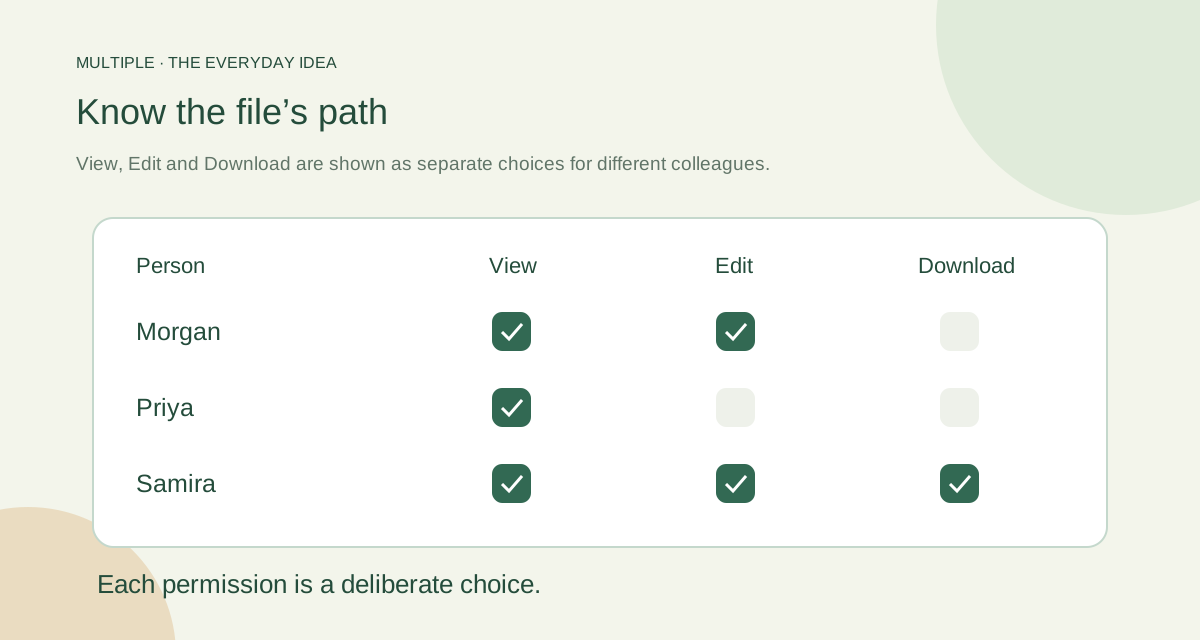
PRACTICAL WORKPLACE GUIDE
Review internal file sharing through storage location, conversation membership, trusted connections and backup ownership, including the limits of downloaded copies.
Read the guide ↗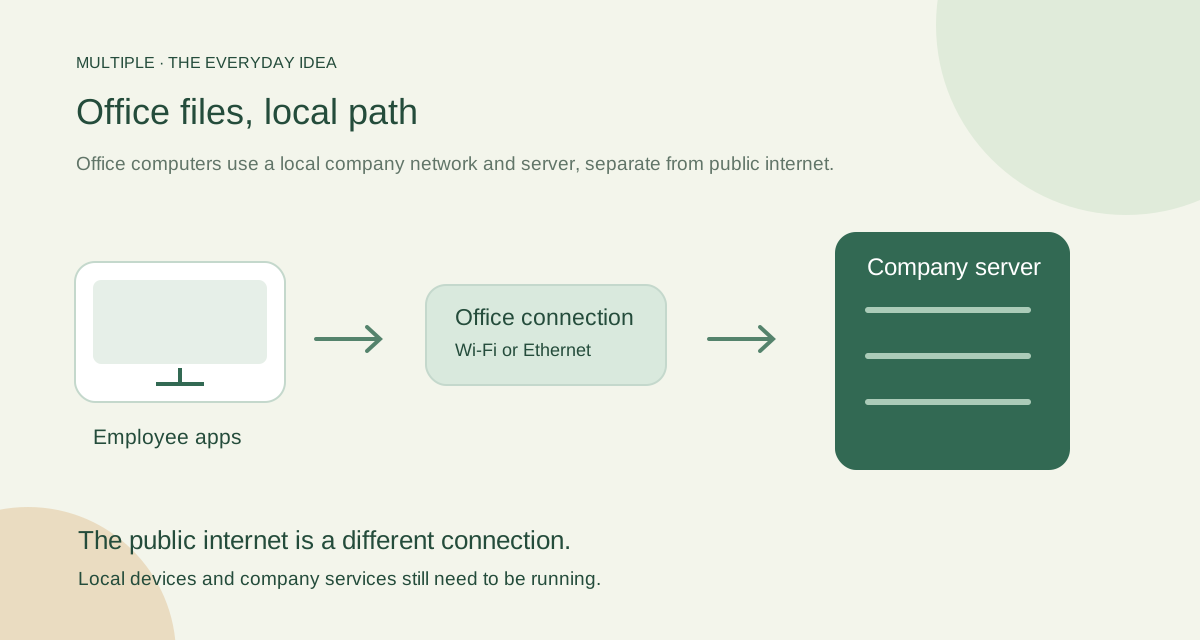
PRACTICAL WORKPLACE GUIDE
Compare local Windows file sharing with a company-managed messaging workflow. Check connectivity, permissions and delivery without assuming public internet access.
Read the guide ↗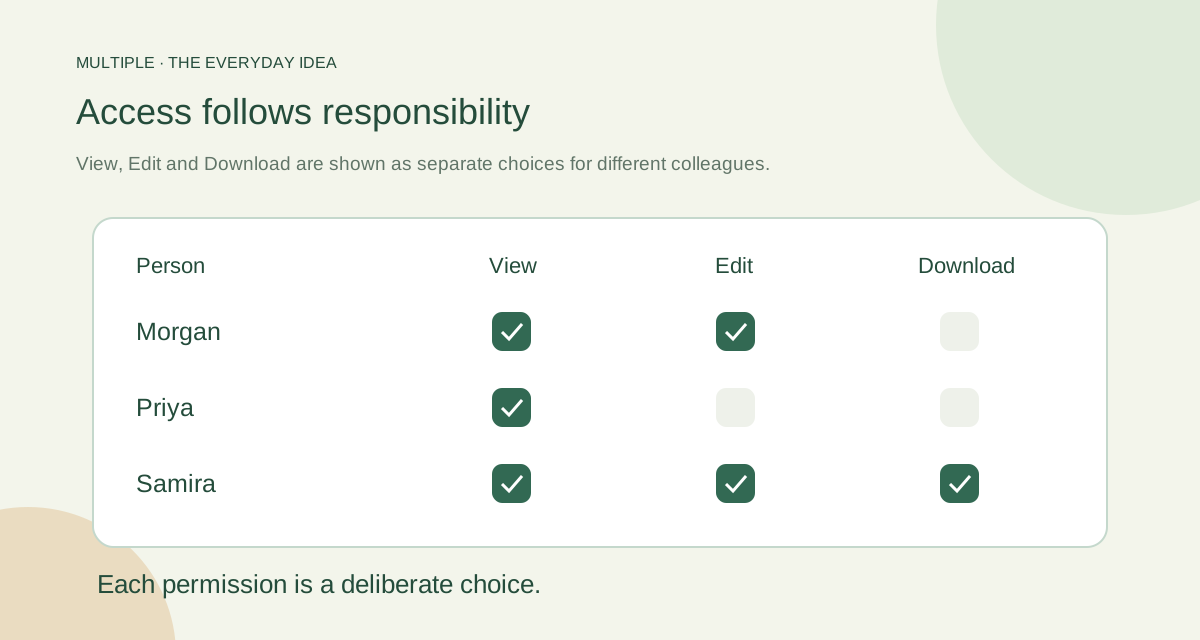
PRACTICAL WORKPLACE GUIDE
Understand practical role-based access for company chat: conversation membership, administrator responsibilities, session changes and narrowly scoped investigations.
Read the guide ↗