Prepare the prerequisites
Use a dedicated supported 64-bit Windows Server or Windows machine, a stable private IPv4 address, an internal DNS hostname and synchronised time. Supply the required software through your organisation’s approved distribution process.
The documented database prerequisites are a supported local SQL Server default instance or SQL Server Express SQLEXPRESS, and 64-bit Microsoft ODBC Driver 17 for SQL Server. The installer does not download these prerequisites from the internet.
- At least 5 GiB on selected application/data drives and 2 GiB on C: for Windows/setup, plus separately planned data, files, logs, SQL growth and backups.
- An installation administrator and a named ongoing IT owner.
- A trusted certificate approach: company PKI, a supplied matching certificate/key, or the customer-specific managed CA option.
- An approved backup destination, retention policy and restore-test plan.
Define the internal connection
The base application needs HTTPS/WSS on TCP 443 from approved employee networks. Keep the SQL service and loopback backend out of employee or untrusted network exposure. Customer IT controls DNS, network policies and perimeter firewalls.
Optional calling can add LiveKit WSS on TCP 7443, ICE on TCP 7881, media on UDP 7882 and selected TURN services, including UDP 3478. Review the exact selected-component deployment report rather than opening every port by default. Installer host rules use Domain/Private profiles and LocalSubnet.
Install, license and distribute
Server setup configures selected services, certificates and an organisation-specific desktop installer. A fresh installation requires first-administrator credential setup. Keep passwords and TLS private keys out of shared folders and employee installers.
The administrator copies the installation ID to the authorised licence issuer and imports the signed, installation-bound licence through the approved transfer process. Verification is offline. Distribute the generated employee installer through your approved software channel; employees do not manually enter the server URL.
Validate before wider rollout
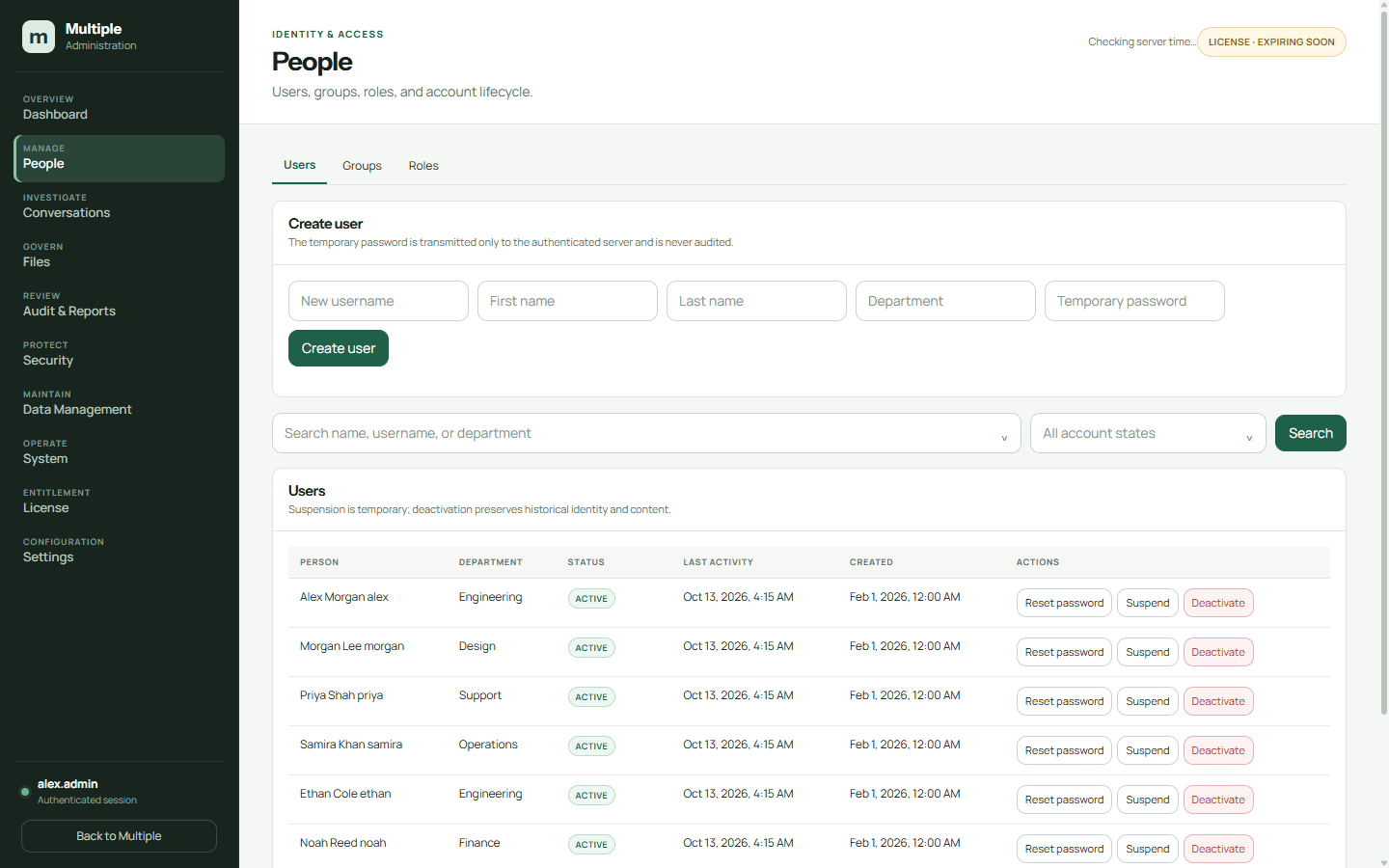
Test sign-in, direct/group messages, files, membership changes, account suspension and session revocation. Verify certificates, selected call services, backups and a restore drill. Check real usage against server, storage and media capacity.
The release is still subject to production acceptance gates. Do not treat a successful demo as proof of production readiness. Agree the proposed version, prerequisites, remaining checks and pilot acceptance with Multiple before rollout.
Maintain with control
IT schedules the company server upgrade with the universal installer. Supported employee apps then detect the production-signed release on their LAN, show download, verification and installation progress, and reopen with company settings retained. Windows may request administrator permission; fresh devices and very old clients have separate initial setup steps.
Managed-CA certificate renewal retains the customer root and hostname. Company-PKI and supplied certificates follow the organisation’s certificate replacement process. Monitor licence status, service health, storage and backups throughout operation.
Common questions
Does Multiple configure our switches or VLANs?
No. Your IT team manages the network. The current setup uses one VLAN and one backend; cross-VLAN operation is not advertised as validated.
Can we skip pilot testing?
A pilot is the way to verify fit and the actual environment. Capacity, media, release approval, recovery and endpoint policies should be confirmed before wider deployment.