Can office messaging work without public internet?
Yes, once the required software, database prerequisites and a valid offline licence are in place. A Windows desktop client connects to the internal Multiple server over the local network using the configured hostname and trusted HTTPS connection. The server handles accounts, conversation access, messaging and stored files.
An internet outage does not remove that local path. A failed switch, unreachable server, stopped database or expired entitlement can still interrupt service. “Without public internet” means independence from that connection for core use, not independence from your own infrastructure.
The current single-VLAN setup
Employee devices and the Multiple application server use the current single-VLAN local network. Internal DNS resolves the server hostname to its stable private IPv4 address. Customer IT manages switches, addressing, certificates and firewall rules.
Multiple does not provision VLANs, change routers or configure enterprise DNS. The current deployment does not advertise routed multi-VLAN operation. There is one application backend, with server storage and a company-managed SQL database behind it.
How the Windows client and chat server work together
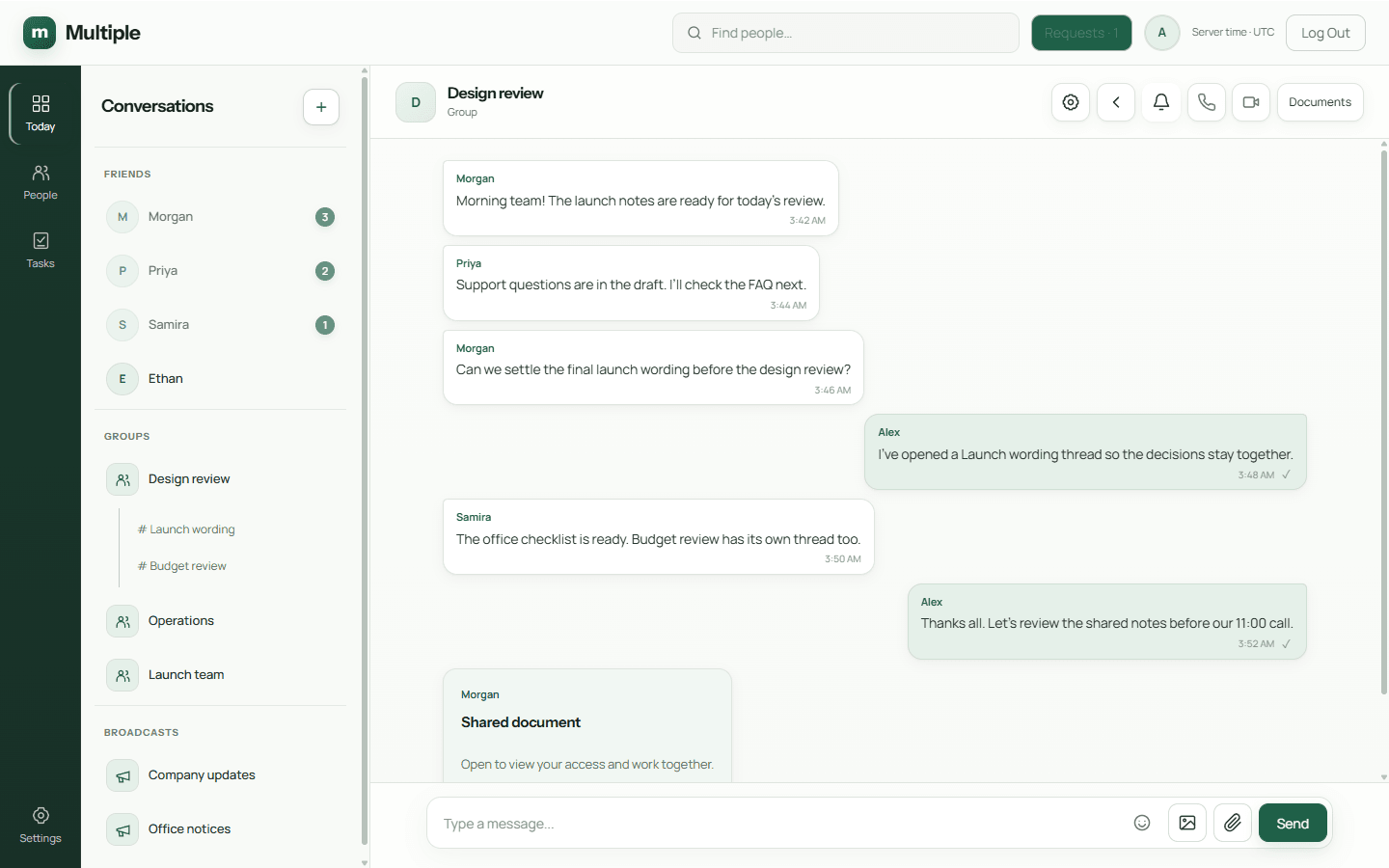
Your IT team installs the company server and distributes its generated organisation-specific Windows desktop installer. Employees use the configured internal hostname over trusted HTTPS/WSS. The application authenticates accounts and checks conversation membership before handling messages or file requests; employee clients do not connect directly to SQL.
The office messenger stores structured messages in the server-side SQL database and attachments in company-managed file storage. Administrators manage employee access, suspend or deactivate accounts and revoke sessions. Those controls do not recall downloaded files.
- Prepare supported 64-bit Windows, a local SQL Server default instance or SQL Server Express SQLEXPRESS, and 64-bit ODBC Driver 17.
- Configure a stable private IPv4 address, internal DNS, trusted certificates and synchronised time on the single local VLAN.
- Supply approved prerequisites and a valid installation-bound offline licence; plan storage, backups and pilot validation with IT.
What employees can do locally
Direct/group messaging, broadcasts, linked threads and file exchange share the internal application connection. Personal tasks, reminders and unread-conversation navigation are part of the same desktop workspace.
Calls and screen sharing need the selected media services and allowed network flows, with real-device validation before rollout. Basic shared editing uses the company service. The AI summary control is removed from the current beta; calling needs its own real-device checks.
Plan for the office, not just the internet link
Assign an IT owner, prepare Windows and SQL prerequisites, configure internal name resolution and trusted certificates, and test an employee client from the actual office network. Check access controls and backups as carefully as messaging.
Size the server for your intended workload and validate users, file storage and call capacity in a pilot. Capacity claims and production release approval must be checked for the proposed deployment.
Common questions
Is Multiple a serverless LAN chat app?
No. Multiple requires a configured company-managed application server and database. Employee clients connect to that server; automatic peer discovery is not claimed.
Does a private network guarantee safety?
No. Compromised devices, insider misuse, poor permissions and configuration errors remain risks. IT still needs trusted TLS, endpoint controls, updates and tested backups.