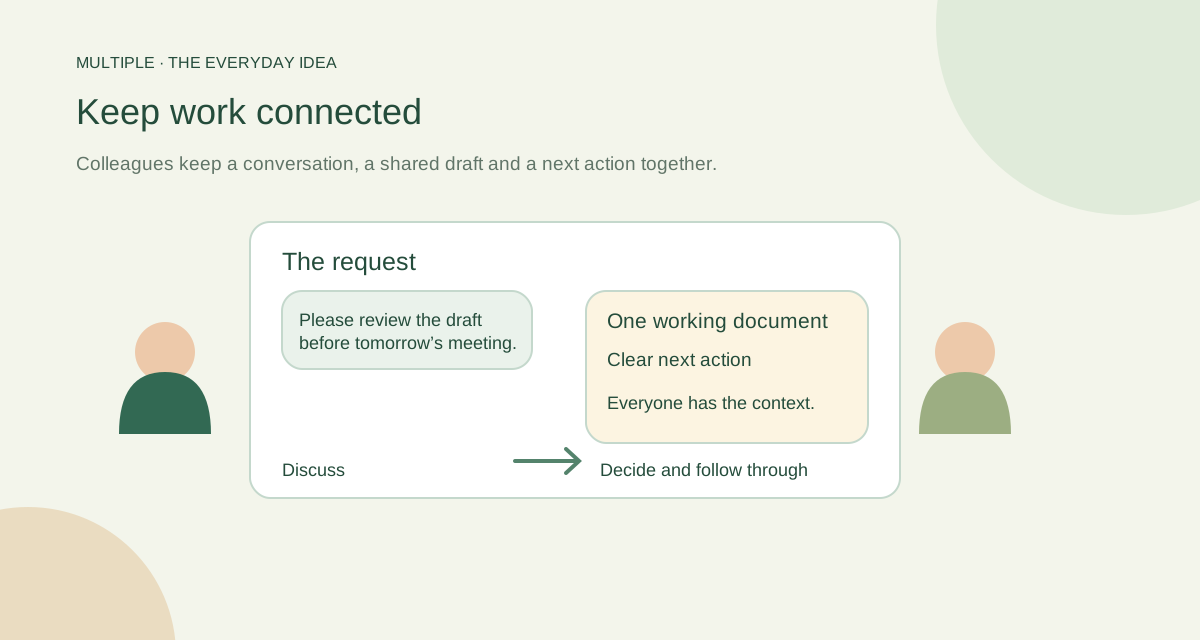
Follow one request all the way through
Imagine Operations asks for an updated welcome pack. Support adds common questions. Design checks the wording. Someone needs to record what the team decided.
When that work is scattered, people spend time carrying context between tools. Start by keeping the discussion and its working file together, with a clear explanation of the next action.
Separate the discussion from the decision
A group can hold the shared conversation. A focused thread keeps one question attached to its starting point. A short recap makes the decision easier to find later.
Calls can help when typing becomes slow. In-call chat lets people add a question or action without interrupting the speaker. After the call, put the durable decision where the team expects to find it.
Give the draft the right audience
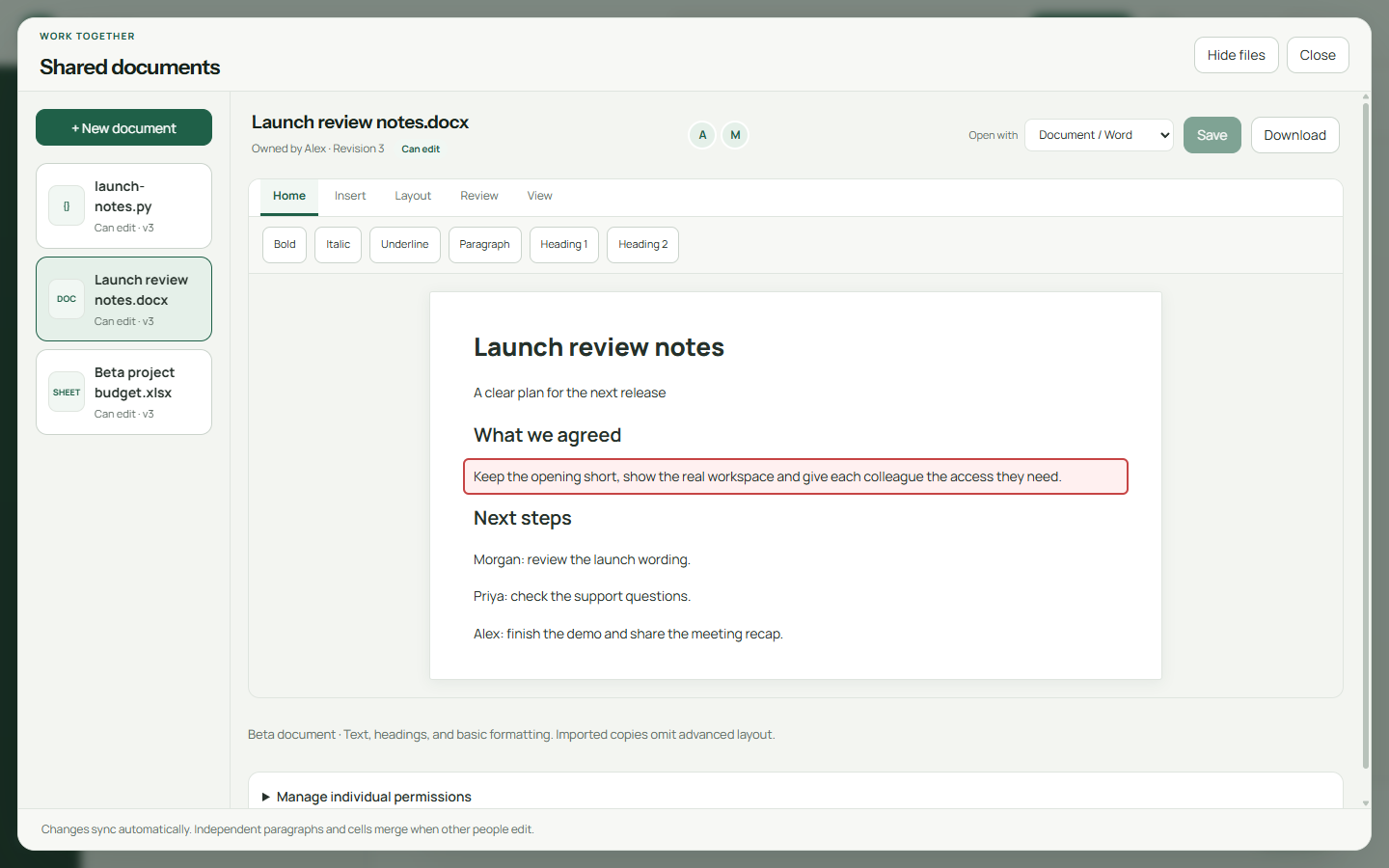
Multiple’s basic beta document editor lets several colleagues work on a simple draft. Each person receives separate View, Edit and Download permissions. Do not assume that joining a group means having every document permission.
Use the sheet editor for a small shared list or calculation, and the code editor for code or plain-text work. Choose a sensible file for the task rather than trying to squeeze a complex workbook into the beta editor.
| Piece of work | Suggested place | Completion check |
|---|---|---|
| Department request | Relevant group conversation | Audience understands the request and its file |
| Focused question | Contextual reply or linked thread | The decision remains connected to the source |
| Company notice | Appropriate broadcast | Recipients and wording are checked |
| Individual commitment | Private personal task | Clear action, due date and outcome posted where needed |
| Catch-up | Today/unread and original discussions | Employee reads the relevant context before responding |
Make the handover easy
Write three things: what changed, what remains and who should act next. Include the relevant conversation or file. A colleague returning tomorrow should not have to reconstruct today from twenty unrelated messages.
Private tasks and one-time reminders can help you remember your part. They are not an assigned team project board, so tell your colleague about a handover in the conversation itself.
Finish a handover with a concrete next action and a useful link or file.
Keep the workspace useful, not overloaded
Company hosting means IT looks after the server, employee access and recovery. Staff can focus on the daily workspace, while operators keep the service healthy.
Multiple does not claim to be a complete Office suite or to replace every business system. Start with a small workflow that benefits from connected conversation, files and basic shared editing. Expand when the pilot makes sense.
The fuller notes for your IT team
Follow an office request from start to finish
A stores colleague posts a supplier file in the operations group and asks which items need replenishment. A supervisor replies to the relevant message. A linked thread keeps the focused discussion connected to the parent conversation, so the original group does not become a long mixture of unrelated replies.
The employee responsible for contacting the supplier creates a private personal task with a clear due date and, if useful, a one-time reminder. They post the outcome in the conversation when finished. A returning colleague uses Today and unread handling to locate activity, then reads the source discussion before acting.
What the workspace connects
Multiple’s core workflow includes direct messages, groups, broadcasts, contextual replies, linked threads, files and personal tasks. These are distinct tools with distinct access behavior. A thread linked to a conversation follows its inherited access; a private personal task belongs to the individual.
Company hosting changes the operating work
A self-hosted workspace needs reachable services, not just installed clients. Multiple’s supported office design uses a Windows deployment, a database, company file storage and one local VLAN. The company needs named owners for access, server operation, backups and upgrades.
Test recovery with a conversation and its attached file together. Restoring only the database or only the files may leave an incomplete result. Maintain configuration, trust and licensing material as part of the documented recovery set, with appropriate access restrictions.
Identify the boundaries before adopting it
Personal tasks do not supply assigned team tasks, a Kanban board or recurring reminders. Attachment sharing is not a full document-management system. Optional calls require configured media services and a real device pilot.
Basic native document and spreadsheet editors belong to the beta scope and require the appropriate installed upgrade. A source change or a website guide does not update employee computers. Evaluate a representative document collection before relying on those editors for production work.
Use a handover template
At the end of a discussion, write a short handover: “Decision: … File/version: … Person responsible: … Due date: … Open question: …”. Keep it in the relevant conversation so another employee can find it without access to someone else’s private task list.
Review a few handovers after the pilot. If the important file or decision is hard to find, improve the group structure and wording before adding more software. The practical goal is recoverable context and clear responsibility.
Common questions
What makes the work feel connected?
Keep the request, its focused discussion, the working file and the next action easy to find together.
Does a shared document need another Office server?
The basic beta editors use the company service. A separate Office editor server is not required for that scope.
Does switching editor views convert the file?
No. It changes how you edit the supported file while retaining its name and storage format.
Try this at work
Follow one request from the first message to the final recap. Keep its draft and next action visible, and ask a returning colleague whether the handover makes sense.
Use the deployment review checklist ↗