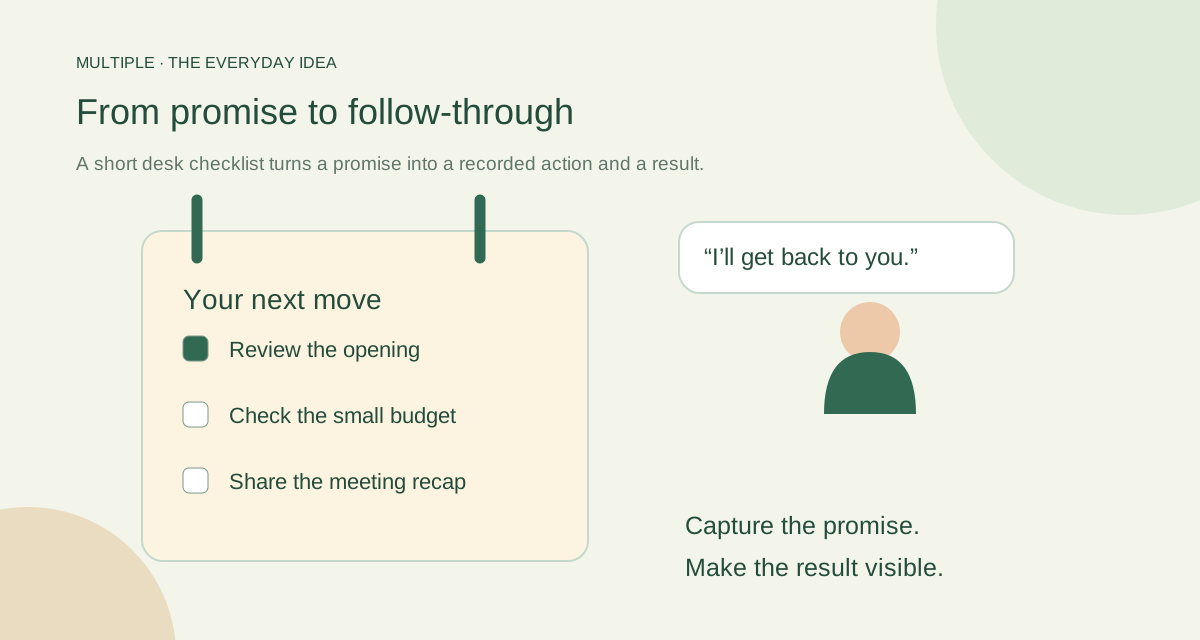
Catch the promise before it disappears
When you agree to do something, write the action in plain language. “Review the opening paragraph” gives you somewhere to start. “Website” is a label that leaves you guessing later.
Add a short note if the context will be easy to forget. A due date can help you prioritise, but it does not tell your colleague when you will reply unless you say so in the conversation.
Choose the kind of nudge you need
A task is something you want to complete. A reminder is a one-time prompt at a chosen time. Keep the distinction simple so your list does not become a second inbox.
Multiple’s personal tasks and reminders belong to the individual. They are not a shared assignment board, and a reminder is not a repeating automation. Use another system when your team needs those workflows.
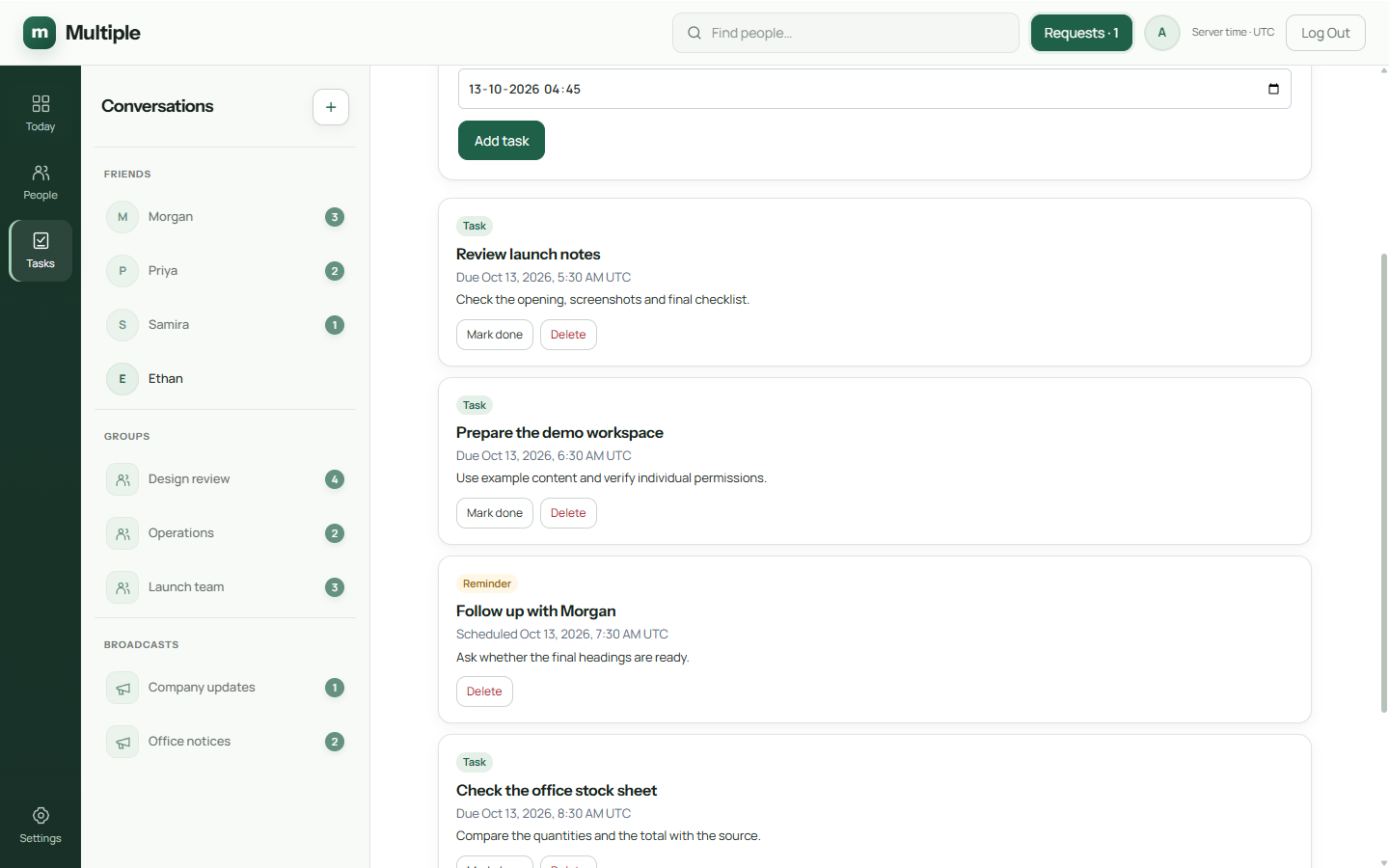
Give your day a quick reset
Open the list at the start of the day. Choose the work that matters most, adjust a date that no longer makes sense and mark finished items complete. A short honest list is better than a long guilty one.
Look again before you leave. Tell colleagues about anything they are waiting for. A private task can help you remember, but the other person still needs the update in chat.
Do not turn a private list into a hidden status report. Share the outcome where it belongs.
| Conversation request | Personal task | Team-facing completion |
|---|---|---|
| Can you confirm stock? | Confirm stock quantity with stores by Thursday | Post the confirmed quantity and source |
| Please review this quote | Review quote and reply with open questions by 3 PM | Reply to the relevant message or thread |
| We need the meeting details | Send the agreed meeting details tomorrow morning | Post time, audience and reference information |
| Follow up next week | Create a one-time task for the agreed follow-up date | Record the outcome in the original conversation |
Try one reminder before trusting ten
Create a harmless test reminder and check how it appears on your actual employee device. Confirm the time, notification settings and what happens when the app reconnects.
The service depends on the company system running. Treat reminders as useful prompts, rather than the only protection against missing a critical deadline. A calendar or business process may be the better safeguard for that job.
Know when the work needs a bigger tool
Team dependencies, recurring schedules and reporting can need a dedicated task system. You do not have to make a personal list carry all of that.
Keep Multiple’s private planner focused on the next things you owe yourself and your colleagues. It is most useful when it helps a conversation turn into a clear action and then back into a visible result.
The fuller notes for your IT team
Capture the commitment while it is clear
A colleague asks you to confirm a delivery quantity. “Delivery” is a vague task title; “Confirm Thursday delivery quantity with the stores lead” tells you what to do. Create the task while the context is fresh and include enough detail to identify the relevant conversation.
Use a due date only when it represents a meaningful commitment. A reminder should arrive when it helps you act, not simply because every task must have an alert. Multiple supports one-time reminders; a repeating weekly process needs a separate agreed routine or tool.
Separate task dates and communication expectations
The team needs to know the commitment and outcome, even though the personal task belongs to you. Post “I’ll confirm by Thursday afternoon” in the relevant conversation when others are waiting. After completing the action, post the result before marking the personal task finished.
Use a short daily review
Begin with Today/unread activity to understand changes that affect your work. Review due and overdue personal tasks, then choose the few actions that need attention. A changed decision in the conversation may make a task obsolete or require a revised due date.
At the end of the day, complete finished tasks, revise commitments you cannot meet and communicate material changes to the people waiting. Do not rely on a private task list as the only record of a team promise.
Check reminder behavior in your environment
Test a demonstration task with a due date and a one-time reminder on the actual employee client. Check behavior while the application is open, after reconnect and under your normal device notification settings. Do not assume a reminder is a guaranteed external email or phone alarm.
Ask employees to use a realistic small number of reminders. An alert that arrives at the wrong time, or too many alerts together, may be ignored. The practical measure is whether the prompt supports the agreed action in the actual installed environment.
Know when to use another task system
Use an assigned team-task system when you need a shared backlog, assignees, project status, dependencies or recurring work. Multiple’s described personal-task scope does not provide a manager’s project board.
The two approaches can coexist: shared team commitments remain in the team’s agreed process, while employees keep individual follow-up beside their conversations. Explain that distinction during onboarding so staff do not expect a private task to notify an assignee automatically.
Common questions
Can I assign a Multiple task to a colleague?
The current planner is personal and private. Send the handover in chat or use a shared task system for team assignments.
Are reminders recurring?
The current reminder is one-time. Repeating schedules need another supported workflow.
What should I test first?
Try a harmless reminder on the employee device and check the time, notification and reconnect behaviour.
Try this at work
Capture one promise as a specific personal task. Try a harmless reminder, finish the action and put the outcome back in the conversation.
Use the deployment review checklist ↗