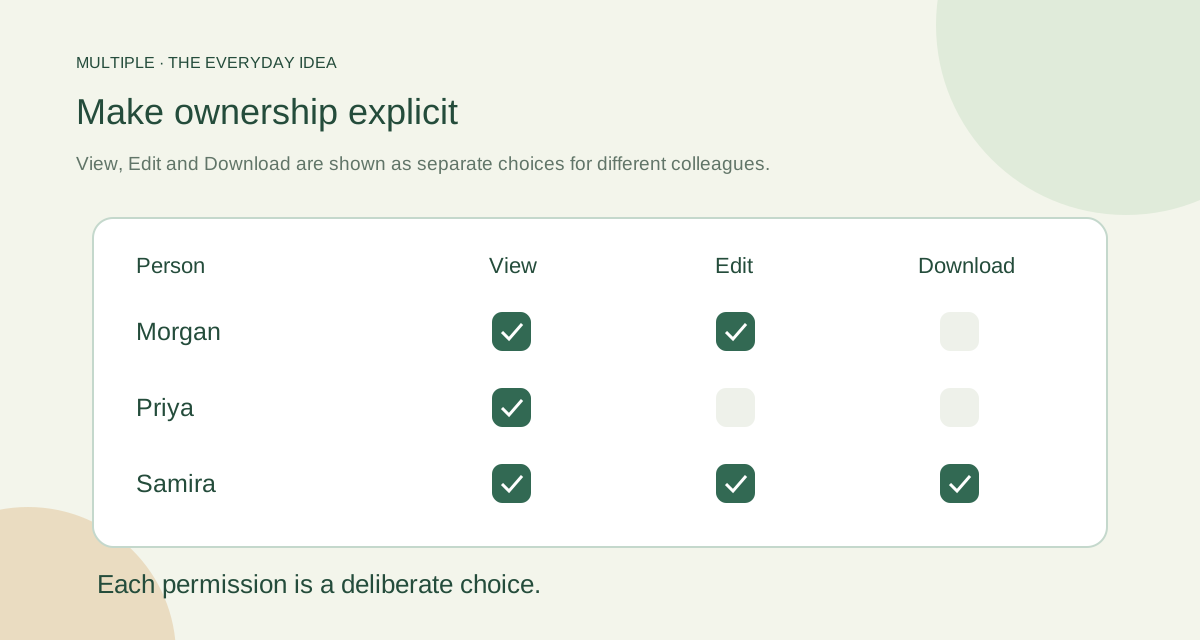
Think about the account, not just the message
A personal account belongs to the person using it. A company-managed account follows the business’s access process. That difference matters when roles change or a device is lost.
Convenient tools can still be useful, but company conversations should have a clear home and a clear owner. Decide which kinds of work belong in the managed workspace.
Make joining and leaving predictable
Give new colleagues the access needed for their role. Review it when they move teams. Remove or suspend it when they leave. A simple written routine makes these steps less dependent on memory.
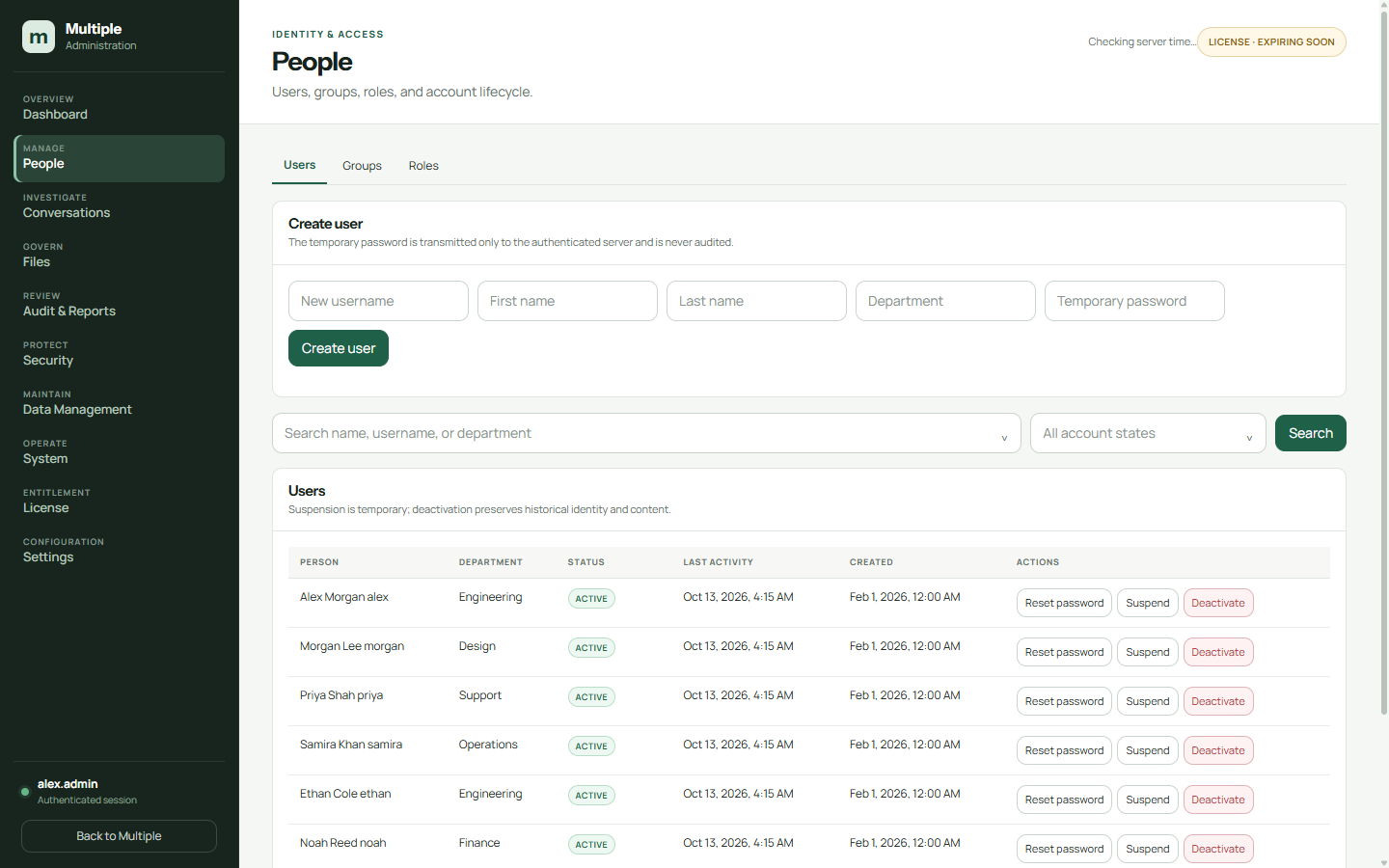
In Multiple, authorised administrators can manage account status and revoke sessions. Test that a revoked test session cannot simply reconnect and carry on. Seeing the result is more useful than assuming a button worked.
Keep conversations under company control
Messages live in the company-managed database and shared attachments in server storage. Employees use the application; they do not need direct database access.
The business still needs sensible membership rules. A private group should contain the intended people, and document permissions should be checked separately when shared editing is involved.
| Question | Current workflow to investigate | Company-managed design to verify |
|---|---|---|
| Who controls employee identity? | Personal account, phone number or informal group owner? | Company account creation and approved lifecycle |
| Who can change the audience? | Who can invite people or retain access? | Conversation membership and administrative permissions |
| Where are work files? | Personal devices, forwarded copies or another storage system? | Named server storage and backup set |
| What happens when someone leaves? | Group removal and device-handling process? | Suspend/deactivate, session revocation and membership review |
| How is history recovered? | Available archive and retrieval procedure? | Tested database, file and configuration restore |
Remember the copies outside the app
A person who already downloaded a file may still have that copy. Removing app access does not recall it. Screenshots, photographs and compromised devices are also outside a simple permission switch.
Include devices, downloaded files and backup copies in your policy. Explain what staff should do when information is sent to the wrong place. Good rules should make reporting a mistake easy.
Treat access removal and handling downloaded copies as related but separate jobs.
Try the employee-change exercise
Create a test colleague, give access to a group and share an example file. Change the role, remove the group membership and finally revoke the session. Record what the person can still open after each step.
The aim is not to promise perfect security. It is to know how your actual process works and who is responsible for doing it. Repeat the exercise after a significant release or policy change.
The fuller notes for your IT team
Separate convenience from business ownership
A personal group can help colleagues begin quickly. Problems appear when the person managing it leaves, work files remain on personal devices or nobody knows which conversation holds the final decision. The concern is the organization’s process and control, not a claim that all personal apps have identical security.
Write down who can add employees, remove access, retrieve company history and support a lost device. If the answers depend on one individual’s personal account, record that dependency before choosing a different workflow.
Compare the control model
Use this table to ask questions about your current personal-app workflow and a proposed company messenger. Answers depend on the product, configuration and company policy.
How Multiple handles company administration
Multiple gives IT a company-operated backend and defined administrator roles for users, security, auditing and infrastructure. Employee access can be suspended or deactivated while preserving company history, with session handling and audit records reviewed through the authorized workflow.
Routine infrastructure administration is not a blanket permission to browse private conversations. Protected investigations require appropriate authorization, scope, a reason and a reference. Review the operational permissions for each role before assigning it.
Create a practical employee-change checklist
For a new employee, establish the company account, required groups, device setup and a short explanation of where work belongs. For a role change, review old and new group membership instead of just adding more access. For departure, coordinate account state and session revocation with the company’s device and file-handling procedure.
Verify the result using a test account and an existing session. Removal from one group, account deactivation and termination of a session are different events; test the controls you depend on. Keep the authorization and outcome in the appropriate administrative record.
Define the limits honestly
Server access controls cannot erase a screenshot, forwarded message or downloaded file from every device. Local hosting also does not imply end-to-end encryption or a compliance certification. Review trusted connections, endpoints, storage, administrators and backups as part of the actual design.
Multiple’s Windows-first single-VLAN office scope is a fit question too. If personal messaging is currently used because employees work on mobile devices or outside the office, record those requirements before promising a replacement.
Common questions
Can IT remove a departed employee’s access?
Authorised administrators can change account status and revoke sessions. Your offboarding process needs to use and check those controls.
Does that erase downloaded files?
No. Files already saved elsewhere need their own handling policy.
Does company storage prevent all leaks?
No. A person with access may still copy information, and devices can be compromised.
Try this at work
Use a test account to practise joining, changing teams and leaving. Verify the app access after each step, then write down who performs the real process.
Use the deployment review checklist ↗