Picture Monday morning
Support needs an answer. Operations has a new file. A manager is trying to find Friday’s decision. These are better starting points than asking which app has the longest list of features. Write down the three things your team struggles with most.
If your main problem is lost context, look closely at replies and focused discussions. If it is company access, test what happens when a colleague joins, changes teams or leaves. A shiny homepage cannot answer those questions.
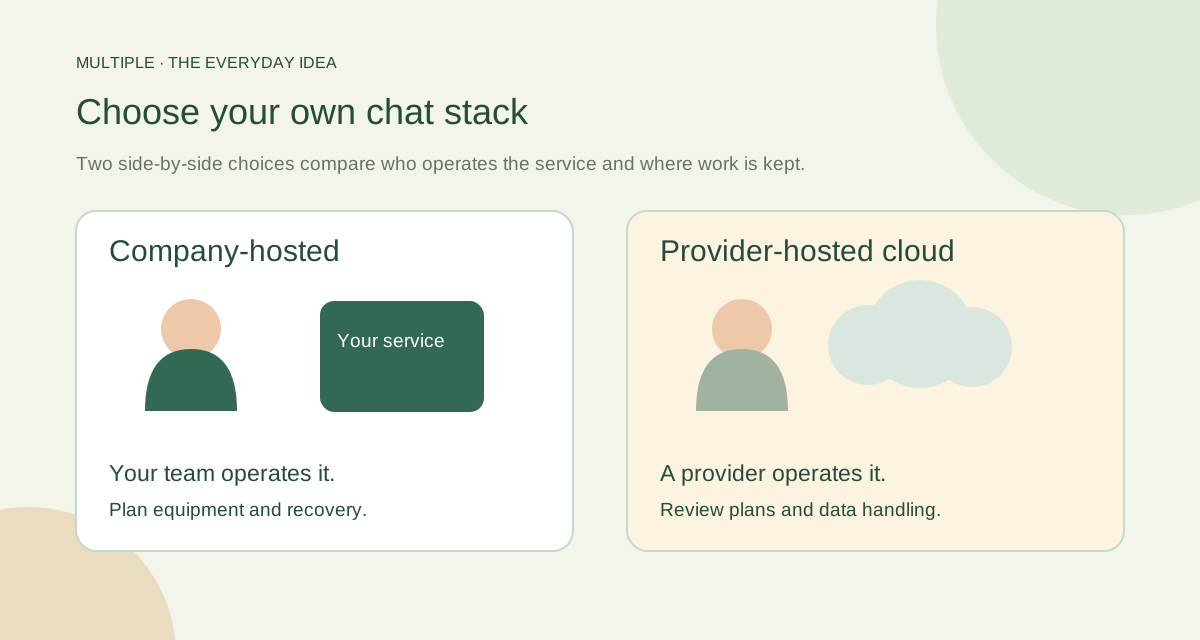
Your server or somebody else’s service?
With company-hosted chat, your organisation runs the service. With a cloud service, a provider runs it. Neither choice removes the need to manage people and permissions. The difference is who takes care of the infrastructure.
Think about whether your IT team wants to own the server, storage and recovery work. If it does, a self-hosted shortlist makes sense. If it does not, include the operating work in the decision before getting attached to a product.
Compare a short list, not the whole internet
Multiple, Rocket.Chat, Virola, Output Messenger and Trillian have different hosting and workplace approaches. The comparison below gives you questions to ask, rather than declaring a winner for every office.
Multiple is a Windows-first, company-managed workspace. Its basic shared editors are useful for small drafts, lists and code files. A complete office suite, mobile workforce or large integration project needs its own careful comparison.
| Option | Documented hosting fit | Question for your pilot |
|---|---|---|
| Multiple | Company-operated Windows deployment for the supported single-VLAN office scope | Can staff follow messages, files and linked discussions while IT manages accounts and recovery? |
| Rocket.Chat | Self-managed deployment options include Docker and Kubernetes | Can your team maintain the selected runtime, database and supported release? |
| Virola | A Windows server can run as a service or a regular application | Does its client workflow and server operation match your office? |
| Output Messenger | Central on-premises chat server with user and group administration | Which clients, permissions and workflows are included in the edition you will deploy? |
| Trillian | A company-hosted server behind the firewall is offered | How will identity, required clients and archiving be configured? |
Give every candidate the same afternoon
Create a group, post a file, ask a follow-up question and record a decision. Invite someone who was away to catch up. Then have IT remove a test account’s access. Keep the task the same so you can compare the experience fairly.
Do not rush past the boring part: restoring a backup and updating an employee app. These are the jobs that matter after the demo ends. Ask for a result you can see, not just a box ticked on a slide.
Keep a simple note for each test: worked, did not work, or not tested yet.
Choose what your team can use and maintain
A good choice fits both the employee and the person operating it. Add the licence, server, storage, backup and maintenance costs to your comparison. A company-owned server is not a promise of zero running costs.
Pick the smallest pilot that can answer your biggest doubts. When colleagues can follow the work and IT knows how to keep it running, you have a much stronger decision than “this one looked impressive.”
The fuller notes for your IT team
Define the workflow before choosing a platform
Write down three conversations your office repeats: a support request, a departmental decision and an announcement. Include a file, a reply and a person who joins later. A candidate should keep the relevant context understandable without creating a new channel for every small issue.
Then list the hard requirements. A mobile workforce, external guests, browser-only access or complex directory integration can change the shortlist before price becomes relevant. For Multiple, check Windows clients, one application backend, one local VLAN, database prerequisites, trusted TLS and the approved release. Remote or multi-site operation needs a separate supported design.
A practical self-hosted chat shortlist
This guide is published by Multiple. The table compares documented hosting approaches, not benchmark results or a claim that one product wins every category. Vendor facts were checked on 12 October 2026; verify current editions and terms when buying.
Run the same five tests for every candidate
Give a small pilot team the same scenario: operations posts a file, support asks a question, a manager records a decision and someone returns after a day away. Observe whether they can locate the answer without asking for it again.
Ask IT to create an employee, change group access, revoke a session and restore a test backup. These tasks reveal operating cost that a feature list cannot show. Record pass, fail or not tested, plus the evidence and the operator responsible.
Compare the full operating cost
Compare the software quote alongside server capacity, database administration, backup storage, maintenance time, support and upgrades. A company-hosted license does not eliminate those costs. A cloud subscription also needs account administration and a review of export and offboarding procedures.
Treat migration as its own project. Export availability, message fidelity, attachments and existing identities need verification; do not assume that “Slack alternative” includes a complete Slack import. Ask for a sample migration or document the decision to start fresh.
Where Multiple fits
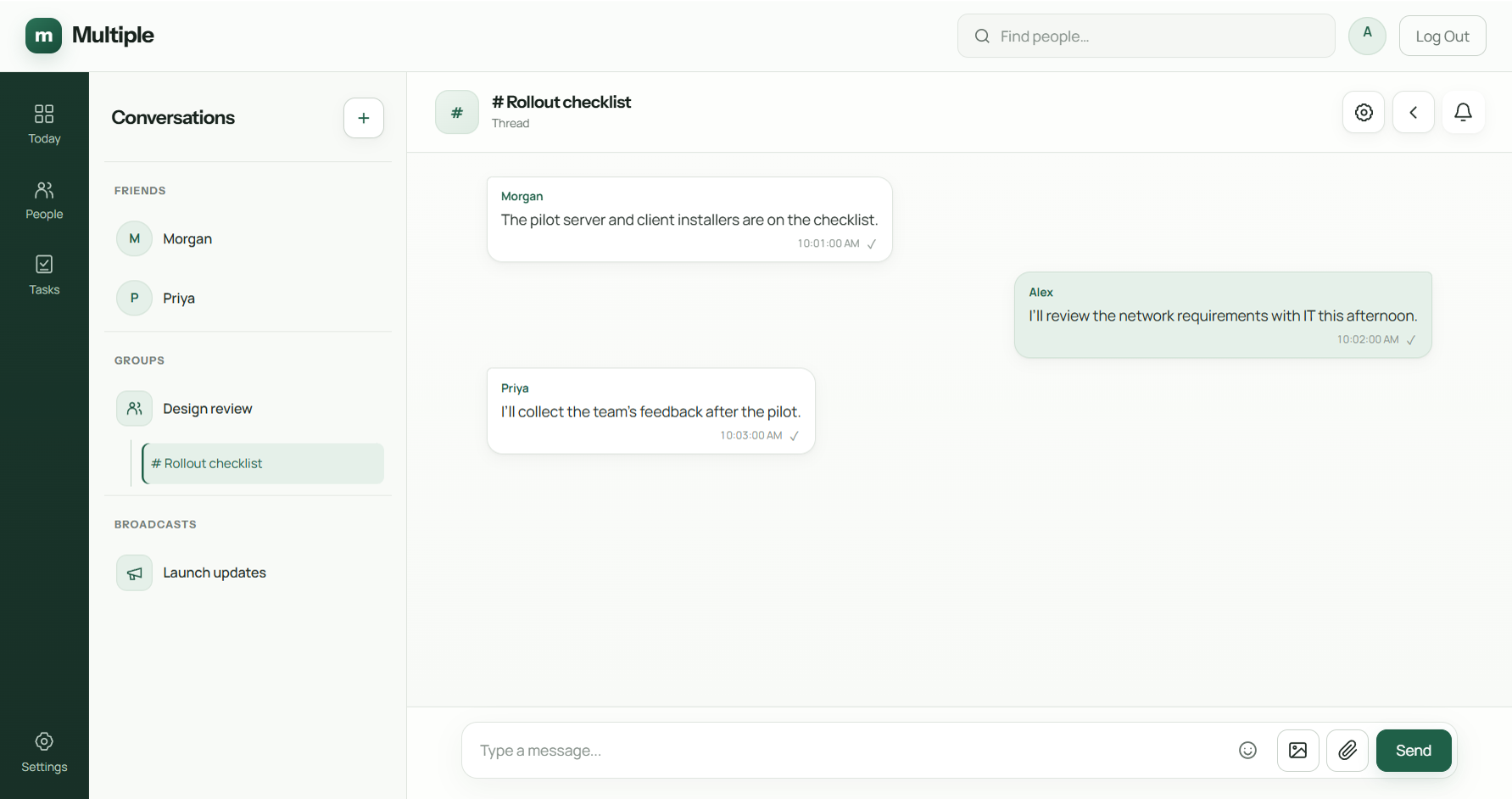
Multiple brings direct messages, groups, broadcasts, contextual replies, linked threads, Today/unread handling, files and private personal tasks into a company-operated workspace. The task workflow supports due dates and one-time reminders; it is not an assigned team project board.
Company hosting keeps responsibility with your organization. Beta document and spreadsheet capabilities require the appropriate upgraded release and should not decide a purchase without a representative pilot. Use the deployment checklist to turn the shortlist into a supported rollout plan.
Sources and further reading
External product references checked 12 October 2026.
Common questions
Where should we start?
Choose three everyday jobs your team struggles with. Test those jobs in a small shortlist before comparing extra features.
Does company hosting mean no running cost?
No. Add the server, database, backups and maintenance time to the licence cost.
Can Multiple replace all of Word or Excel?
No. The beta editors support basic shared work. Keep complex documents and workbooks in appropriate specialist tools.
Try this at work
Write down three daily jobs, choose a small shortlist and run the same afternoon trial in each. Compare what staff could do and what IT had to maintain.
Use the deployment review checklist ↗