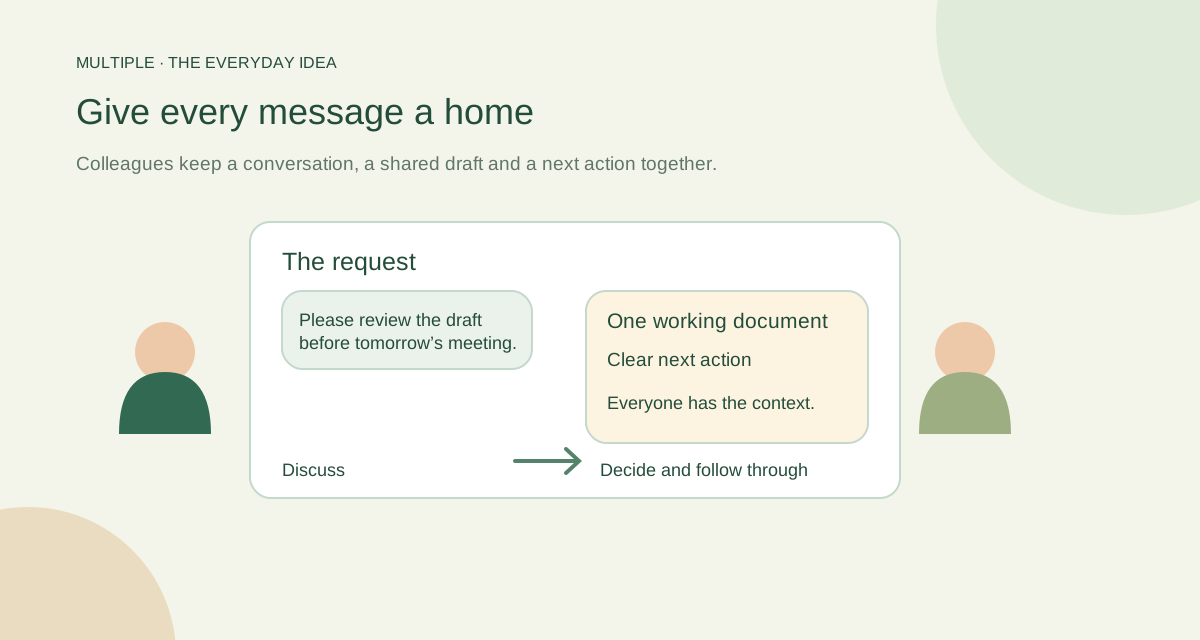
Find the daily frustration first
Ask three colleagues what they keep looking for: a file, a decision, a person or a reminder. Their answers will tell you more than a list of fashionable apps.
Choose one problem to improve first. If every announcement gets buried, fix the announcement workflow. If people forget follow-ups, make it easier to record a private task while the promise is still clear.
Give messages different jobs
Use a direct conversation for a short exchange with one colleague. Use a group when several people need to work through a topic. Use an announcement space when the important job is informing everyone.
Files should arrive with a sentence saying what to do with them. A personal task can remind you to act, but it should not be mistaken for a team assignment board. Clear expectations beat another notification.
Keep work in a company-managed place
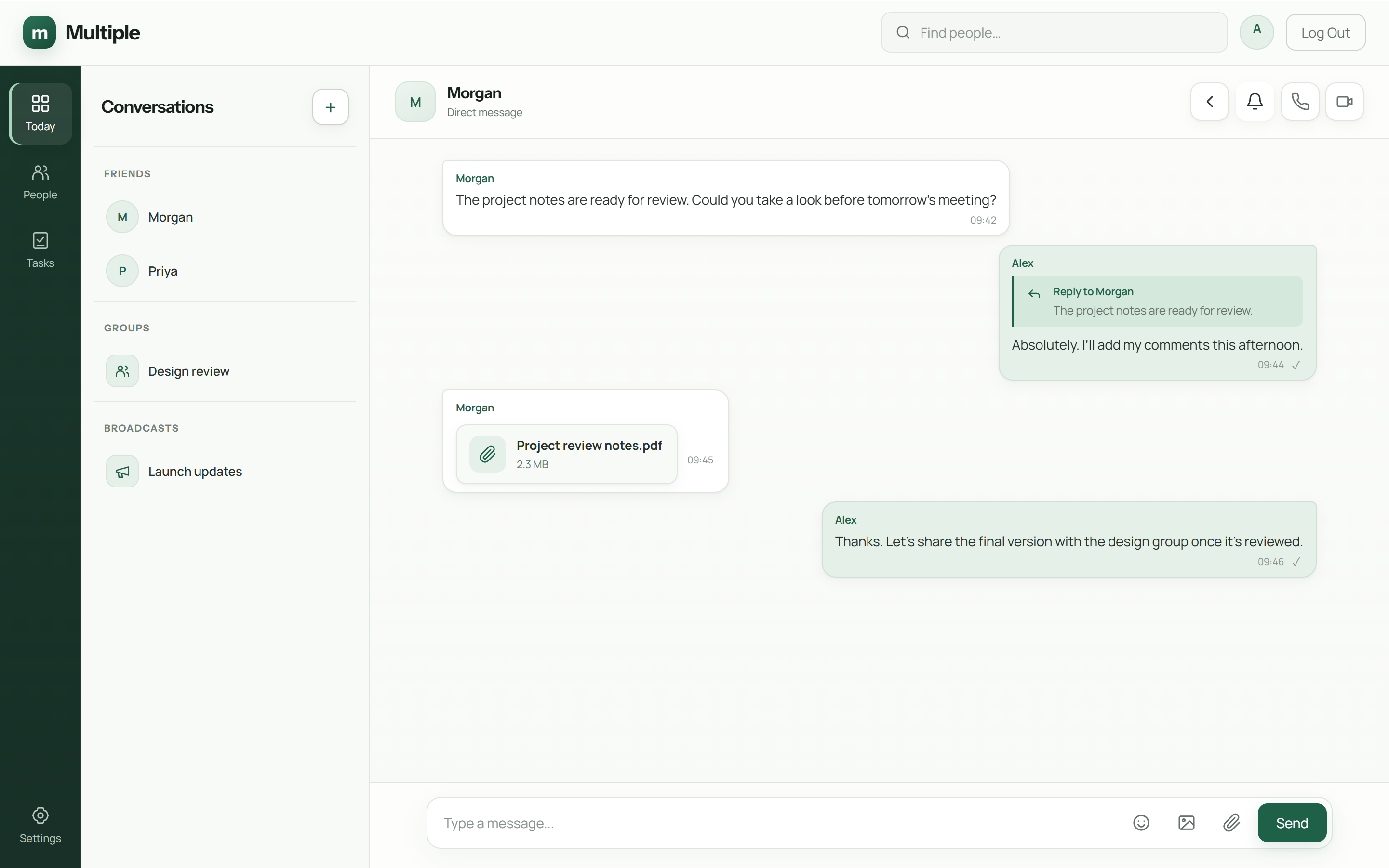
A managed messenger gives IT a place to handle accounts and company conversations. Multiple combines messages, focused threads, files, calls and private personal tasks on the company service.
The basic shared editors can also keep a small draft or list alongside the discussion. Choose each person’s access deliberately. A group’s administrator is not automatically allowed to edit or download every shared document.
| Tool or method | Good starting use | Rule to agree |
|---|---|---|
| Internal chat | Quick questions, department coordination and contextual replies | Use a relevant group or linked discussion; record the conclusion |
| Formal correspondence and external recipients | Avoid using long reply-all chains as the office’s only task history | |
| Voice or video call | Urgent clarification or a topic needing live discussion | Post a short decision summary after the call |
| Shared document or file workspace | Materials needing review and retrieval | Identify the current version, audience and responsible person |
| Personal task list | An individual’s promised follow-up | Use a clear action and due date; team assignment needs its own system |
Try a week with one team
Move one real project conversation into the pilot. Post an update, share its working file and keep the follow-up discussion attached to it. Watch where people still get confused.
At the end of the week, ask whether colleagues could find the latest decision and their next action. Keep useful habits and simplify the rest. A successful pilot should feel easier than the scattered workflow it replaces.
Use a small real task, not a demonstration full of empty channels.
Write rules people can remember
Keep the policy short: where announcements go, where decisions go and when a message deserves a reply. Tell people how to ask for help and how to report an access problem.
Your IT team still needs to operate the service and test recovery. Employees do not need that whole technical checklist in their daily instructions. Give each audience the information it needs to do its job.
The fuller notes for your IT team
Start with the communication problem
Suppose a purchasing team emails a quote, discusses it in a personal group and confirms the decision verbally. A colleague later has three places to search and no clear final answer. The problem is fragmented context, not necessarily a missing app.
List a week of real work: an urgent question, an announcement, a file review, an approval and a handover. For each, name the intended audience, the expected response time and the place where the final decision should remain. This gives your tool comparison a practical purpose.
Match tool categories to everyday work
This is a comparison of communication methods rather than an untested ranking of brands. Different organizations need different device access, external collaboration and hosting arrangements.
Evaluate a company-managed messenger
For a Windows office, a company-managed messenger can connect employee conversations, attachments and access administration. Multiple provides direct messages, groups, broadcasts, linked threads and a Today/unread workflow. Files remain tied to the conversation context, while private tasks help an individual follow through.
Check whether this scope matches your organization. Multiple’s supported deployment uses one company backend on a single local VLAN. Browser-only teams, external guests, mobile access or multiple branches need a product and network review rather than an assumption that any workplace app covers them.
Run a one-week communication pilot
Choose one department and a small set of realistic demonstration work. Agree that department questions go in the department group, focused discussions go in linked threads and company notices use the chosen announcement route. Keep the existing external email workflow.
At the end of each day, ask employees to find a decision and its file. Note how often they must ask someone to resend information. These observations are more useful than a vague claim of improved productivity; no time saving should be presented as measured until you have measured it.
Write a short policy employees can use
A simple policy might say: “Put order questions in Operations. Keep each quote discussion connected to its original file. Post the accepted decision with the owner and date. Use a call for an urgent unclear issue, then summarize it in the conversation.”
Review the policy after the pilot. Remove unused groups, clarify confusing names and train people on the behaviors that matter. Buying internal communication software only helps when the team knows where its work belongs.
Common questions
Do we need a tool for every kind of work?
Not necessarily. Start with clear homes for conversations, announcements and commitments. Add tools when a real need appears.
Are Multiple tasks shared assignments?
No. They are private personal tasks and one-time reminders.
How big should the first pilot be?
Choose a small team with a real job that exposes your main problems. There is no useful universal headcount to promise.
Try this at work
Choose one busy team and one communication problem. Give that message a clear home for a week, then ask whether people could find the answer more easily.
Use the deployment review checklist ↗